
Before you start, log in to your WordPress dashboard.
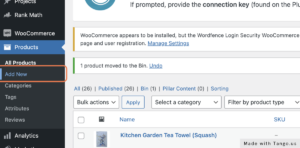
Go to Products and click Add New. You'll find Products in the left-hand menu.
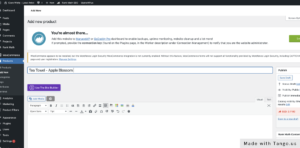
Add the product title. Type the product name in the title box at the top of the page.
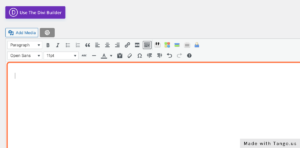
Add the product description. Use the large text box under the title to describe the product in detail.
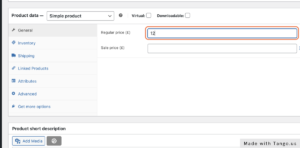
Add a price. Scroll down to the Product data box and enter the price under the General tab. Then go through the other tabs (Inventory, Shipping and so on) and update anything that applies.
Add a short description. Scroll down to the Product short description box. Keep this to a few sentences, because it appears next to the product image, just under the title and price.
Add product tags. Tags aren't the same as categories. They can be any words that will help people find this product when they search your site.
Choose a category. Tick an existing category or click Add new category to create one.
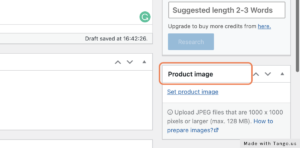
Add a product image. Click Set product image. Use images that are 800 × 800px and under 100kb. It's also worth adding a short alt text that describes the image.
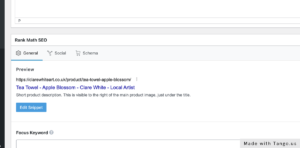
Set up the SEO snippet in Rank Math. Open Rank Math SEO and click Edit Snippet. Write a clear, search-friendly title and description. The preview shows how the product will look in Google results and when it's shared on social media.
Click Publish. Then look at the product on your website to make sure you're happy with how it looks.