
Why Use Google My Business?
Nowadays, attracting customers is often dependent on a strong online presence.
Google My Business (GMB) is a free tool that enables businesses to manage their online identity across Google Search and Maps.
By optimising your GMB profile, you can boost your local SEO, attract more customers, and foster deeper engagement.
What is Google My Business, and why is it important?
GMB serves as a centralised hub for managing your company's online presence. It allows you to display important information such as the address, phone number, website, and business hours. This makes it easier for potential customers to find you in local searches, which boosts your visibility and traffic.
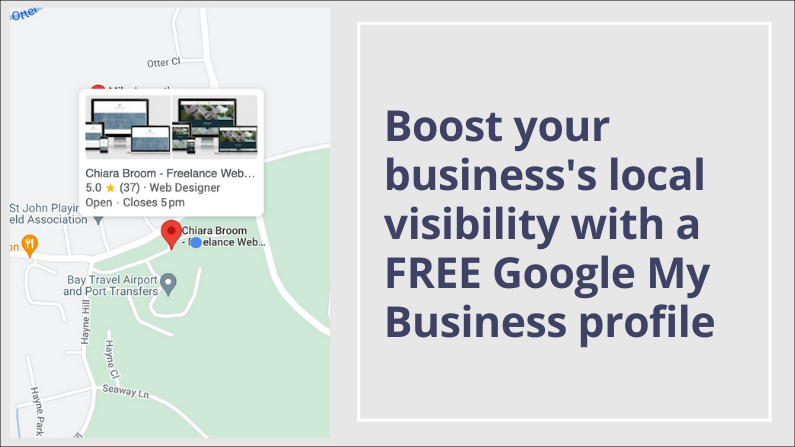
Setting Up and Optimising Your GMB Profile.
GMB acts as a central hub for managing your business's online presence.
It allows you to showcase crucial details like address, phone number, website, and business hours.
This makes it easier for potential customers to find you in local searches, increasing your visibility and driving traffic.
Create and Verify Your Profile
Start by signing up for GMB and claiming your business listing. Verification through postcard or phone ensures legitimacy.
Complete Your Profile Accurately
Provide comprehensive and accurate information, including business name, address, phone number, website, category (be specific!), and high-quality photos.
Pro Tip
Maintain consistency across platforms.Ensure your NAP (Name, Address, Phone number) matches exactly on your website and other online listings.
This strengthens Google's understanding of your business.
Optimise for Search Engines
Include relevant local keywords in your business description and category selection.
This improves your ranking in local search results, attracting customers searching for your offerings.
Create Content
Regularly utilise the GMB "Posts" feature. Share updates, promotions, events, and blog snippets (linking back to your website) to keep your audience engaged and boost visibility.
Start collecting positive reviews
Be shameless - ask your customers to give you a positive 5 star review. People buy from people... who have good reivews.
How to get the most out of GMB
Respond to Reviews Promptly
Actively manage your online reputation by addressing both positive and negative reviews.
Thank satisfied customers and demonstrate responsiveness to concerns.
Track Performance with Insights
Use GMB's built-in analytics to gain insights into customer behavior, search trends, and key metrics.
Use this data to refine your local SEO strategy and optimise your profile for better results.
Promote Events and Specials
GMB allows you to promote events and special offers.
Create posts with eye-catching visuals and clear calls to action to drive customer engagement and increase traffic.

Conclusion
By taking advantage of a FREE Google My Business, you can significantly improve your local SEO, attract more customers, and build stronger online engagement.
Regularly update your profile, use its features strategically, keep an eye on the handy monthly "insights" emails and stay informed about future trends to maximize your local SEO success in the ever-changing digital landscape.