
Top Tips to Avoid Mistakes & Fix Common Problems
You may have invested in a professionally built website and now want to make your own updates.
That is a good thing. Your website should not feel untouchable.
Just keep in mind that SEO lives in the structure as much as the wording. Headings, URLs and internal links all carry signals. Small changes can shift how search engines interpret your page.
SEO is more than layout. It is the foundation underneath it.
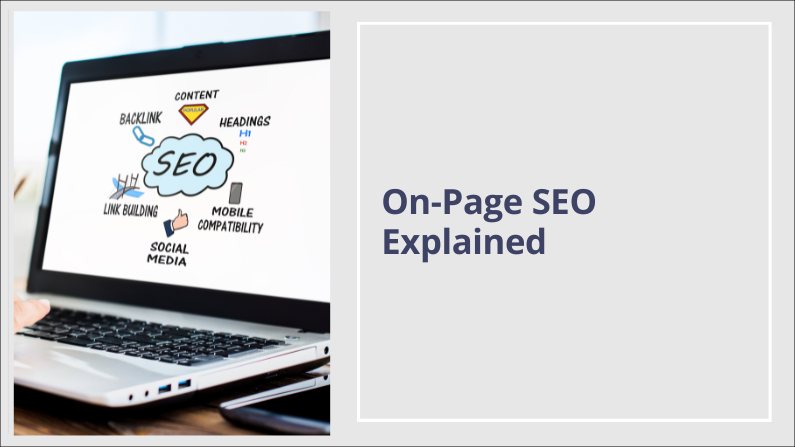
What Is Basic On-Page SEO?
Basic on-page SEO refers to the elements on each page that help search engines understand:
- What the page is about
- Who it is for
- How it connects to the rest of your site
- It is not about tricks. It is about clarity and structure.
If these basics are not in place, backlinks and long content will not compensate.
Why It Matters After Launch
A professionally built website is usually structured intentionally.
- Headings are chosen carefully.
- URLs are planned.
- Internal links are placed for a reason.
If those elements are changed without understanding their role, rankings can shift.
The same applies if you are building your own site. Design alone does not equal visibility.
The Core Elements of Basic On-Page SEO

One Clear Focus Per Page
Each page should centre around one main topic.
For example:
- WordPress web design in Devon
- Website care plans
- Local SEO for small businesses
If a page tries to rank for multiple unrelated services, it weakens its relevance.
Search engines prefer clarity.

A Strong Page Title
Your page title appears in search results.
It should:
-
Include your main topic naturally
-
Stay around 50 to 60 characters
-
Clearly describe what the page offers
Frequent or random changes can cause movement in rankings. Adjust carefully and intentionally.

A Clear Meta Description
The meta description influences whether someone clicks your result.
Keep it:
- Around 150 to 160 characters
- Clear and readable
- Focused on what the visitor will gain
It does not need repetition. It needs clarity.

Proper Heading Structure
Headings organise your content for both users and search engines.
The basics:
- One H1 per page
- H2 for main sections
- H3 for supporting detail
Changing headings just to alter how text looks can weaken structure.
Styling controls appearance - but Headings control hierarchy.
Further Reading
Headings are not styling tools. They define the structure of your page, and that structure affects SEO.

Clean URL Structure
Your page URL is part of its identity.
Clear example:/wordpress-web-design-devon/
If you change a URL after launch, always add a redirect.
Without a redirect:
- Rankings can drop
- Links can break
- Search engines may treat it as a new page
URL changes should be deliberate, not cosmetic.

Internal Links
Internal links connect your pages together.
They:
-
Help search engines understand your site structure
-
Guide visitors to relevant content
-
Strengthen topic authority
Removing or changing internal links casually can weaken that network.

Image Optimisation
Images affect speed and accessibility.
Each image should:
- Be resized before upload
- Be compressed
- Include descriptive alt text
Page speed is a ranking factor, especially on mobile. It also affects user experience and trust.

Content That Matches Intent
Long content does not automatically rank.
Your page needs to:
-
Answer the main question clearly
-
Stay focused
-
Avoid repeating the same content across multiple pages
Search engines look for relevance and usefulness. So do people.
If You Are Managing Your Own Site
You do not need to be afraid of editing your website.
You just need to understand what affects structure and what affects styling.
- Improving wording is usually fine.
- Adding FAQs can be helpful.
- Expanding sections thoughtfully can strengthen relevance.
But changing headings, URLs or internal links without a plan can create unintended consequences.
Pause before making structural changes.
A Simple On-Page SEO Check
Before publishing updates, ask: